.png?width=250&height=45&name=Refreshed%20Logo%20Blue%20(HQ).png)
If you receive an error page on your iPhone stating "Unexpected Application Error!" or "404 Not Found" after attempting to sign in to the Konnected app with Google, Apple, or other 3rd-party social sign-on, here's how to fix it.
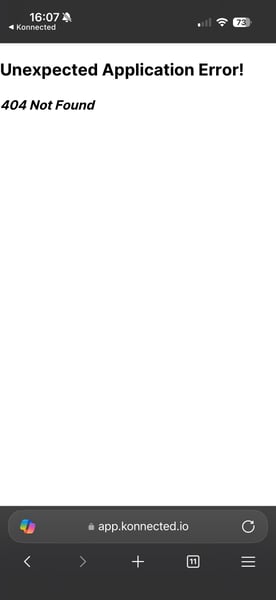 This error is caused by a different browser (other than Safari) being used to open links on your phone.
What's supposed to happen, after the authentication flow, it should redirect you back to the Konnected app. The Konnected app uses an iOS feature called "universal links" to pass a special URL to iOS, that it knows should open in the Konnected app instead of browser. If you are using a different browser on the iPhone, then iOS won't be able to interpret this link and pass you back to the app.
To resolve this, set your default browser on your iPhone back to Safari.